VR for Trade Shows | Immersive Virtual Reality Product Demos & Booth Experiences

Boost trade show engagement with VR product demonstrations: Immersive 3D factory tours, interactive machinery walkthroughs via Meta Quest/HTC Vive headsets. No logistics needed — explore full-scale products anywhere!

Virtual Reality Product Demonstrations for Business

Oculus Rift
Transform how customers experience your products with virtual reality technology
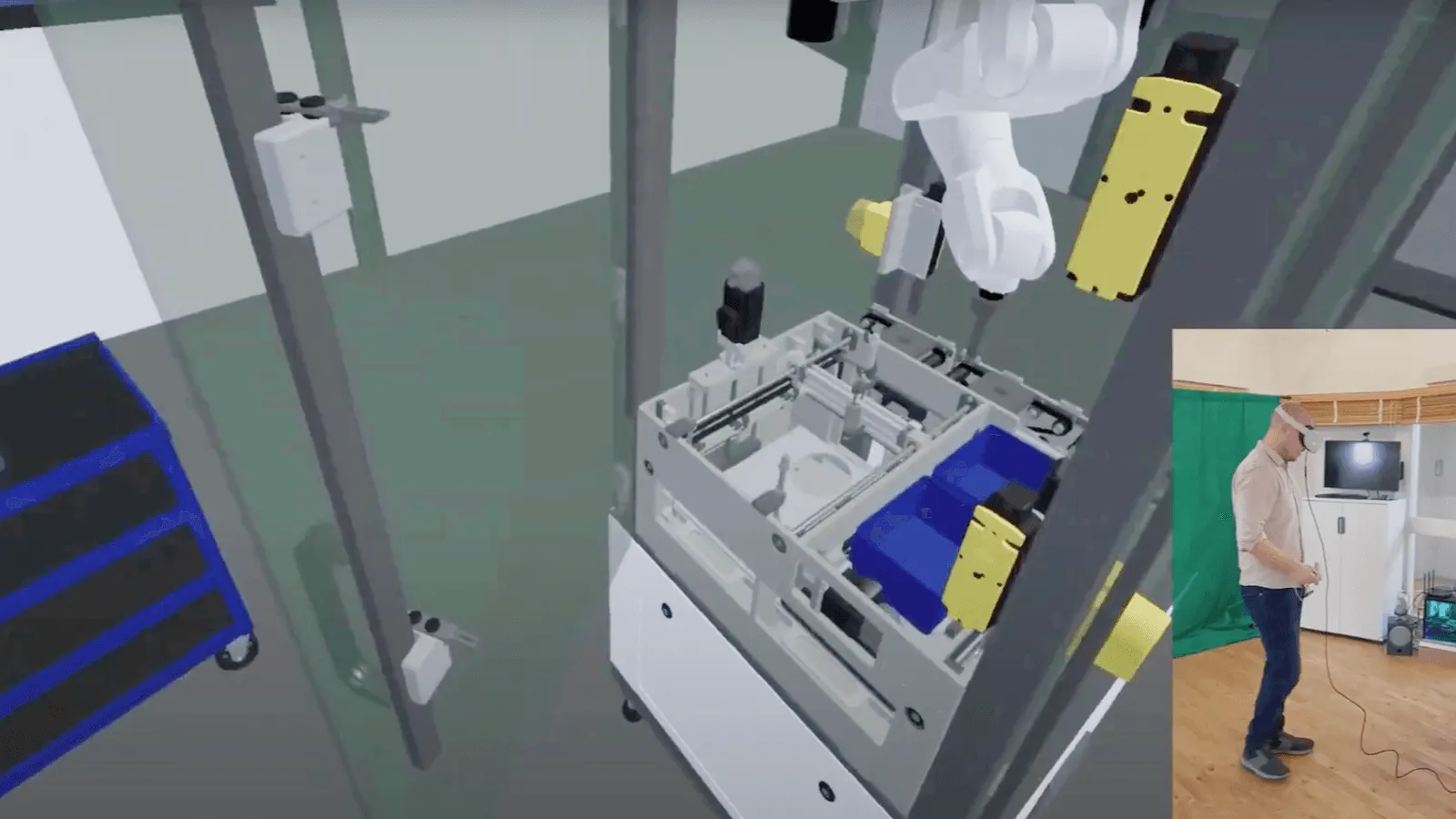
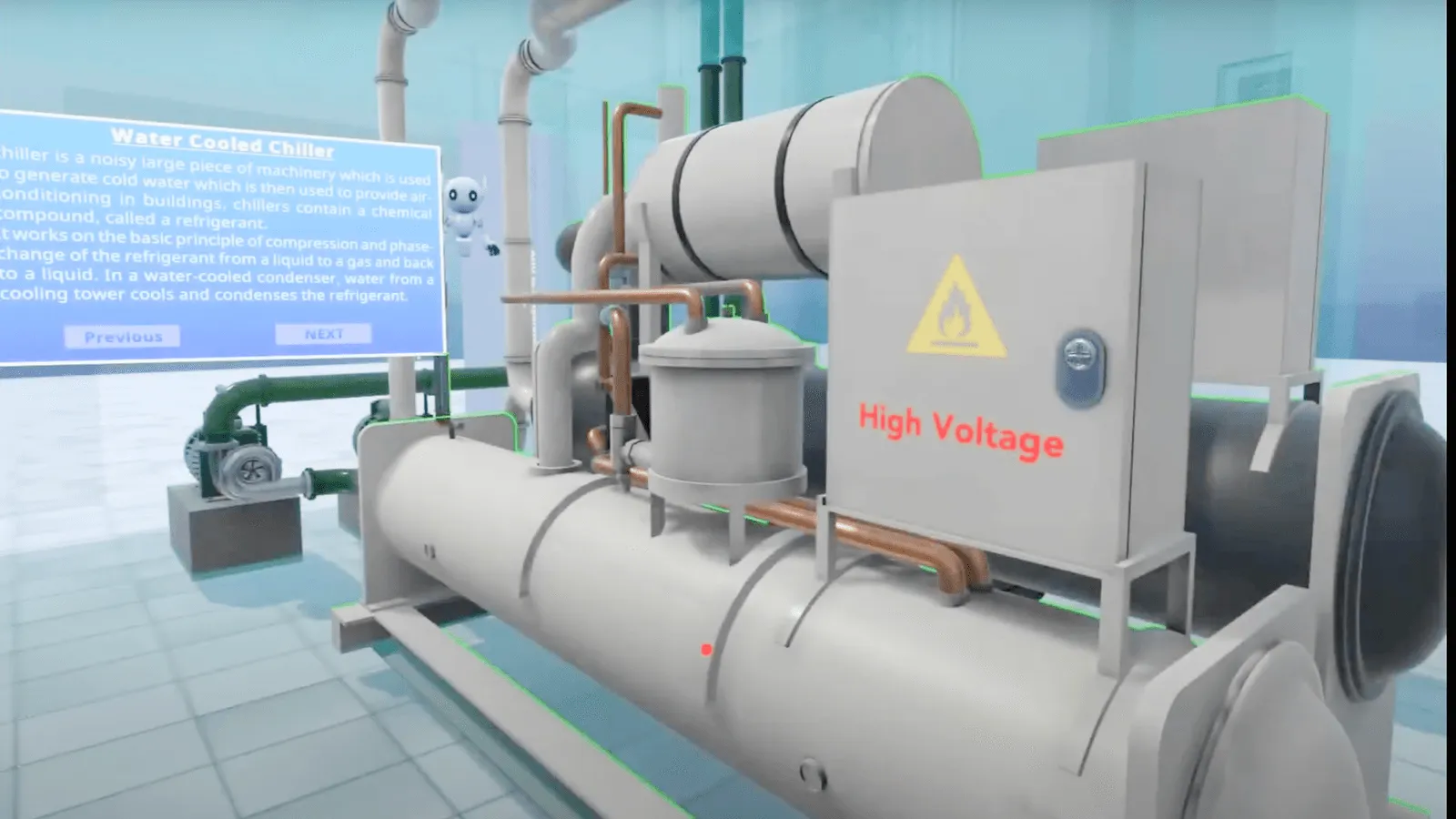
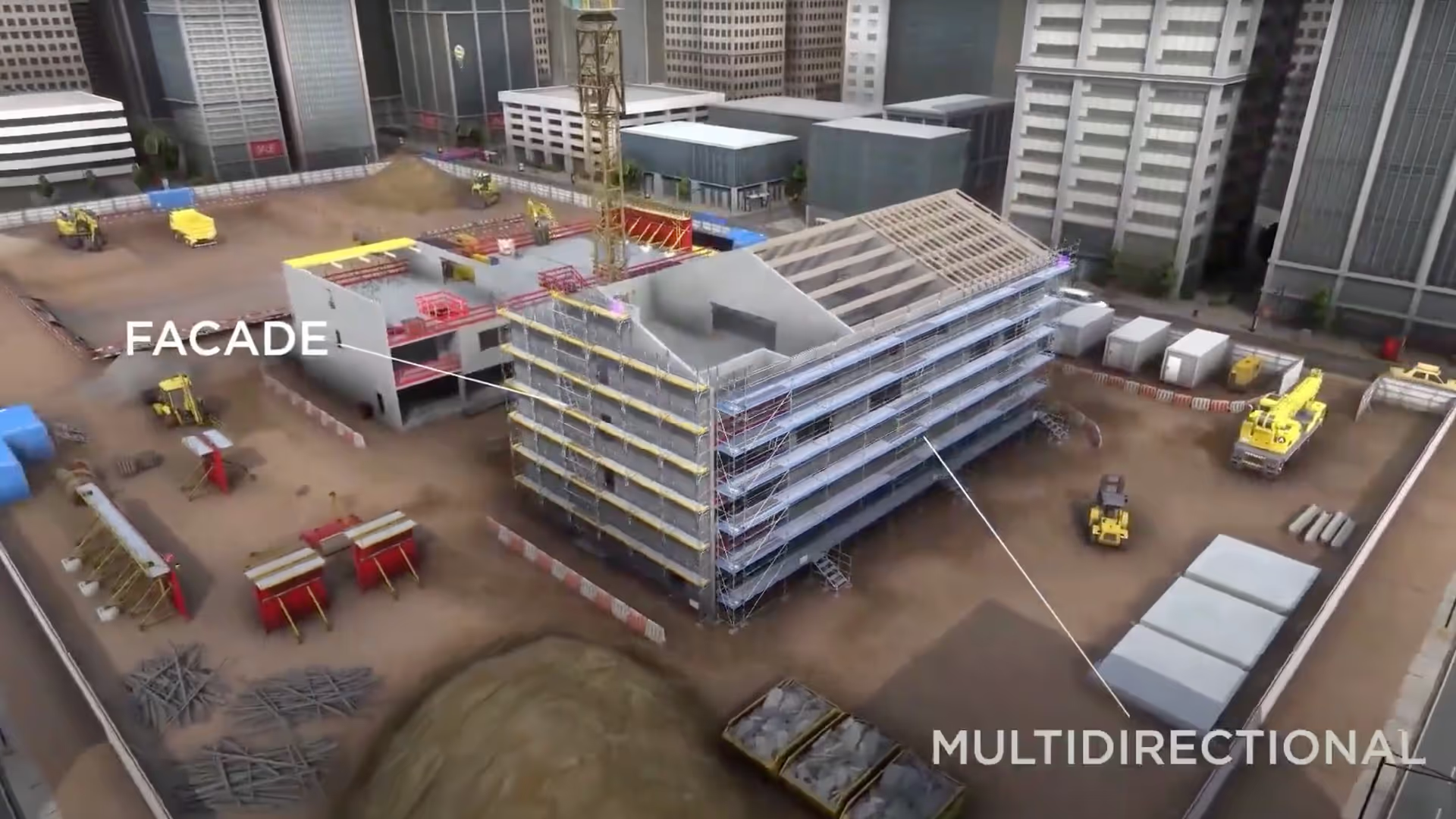
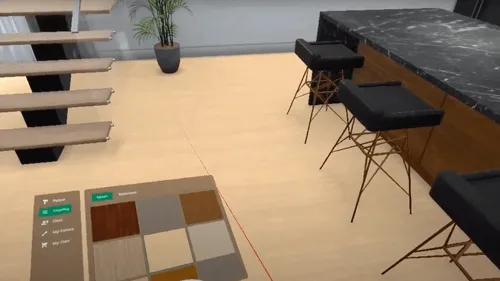
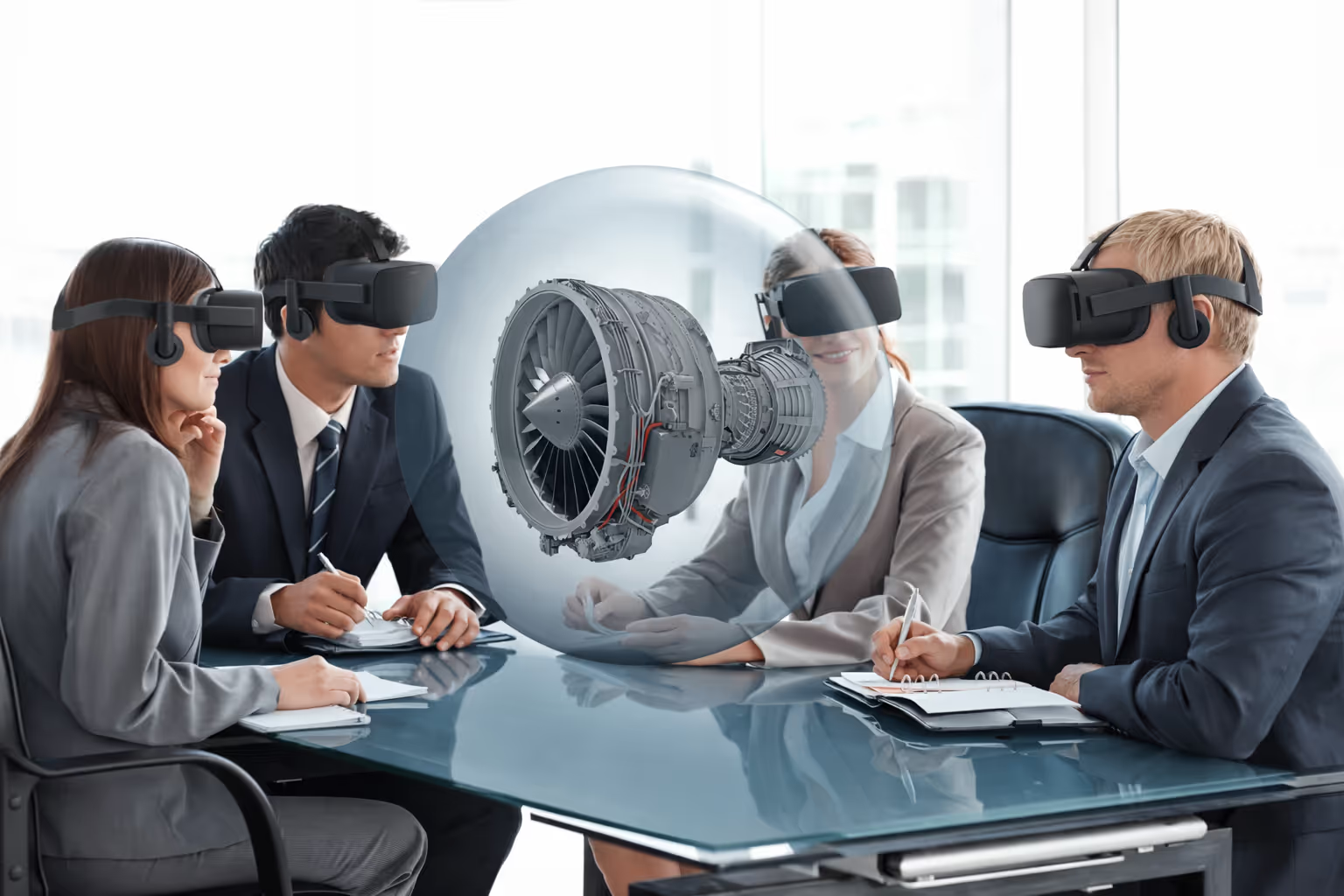
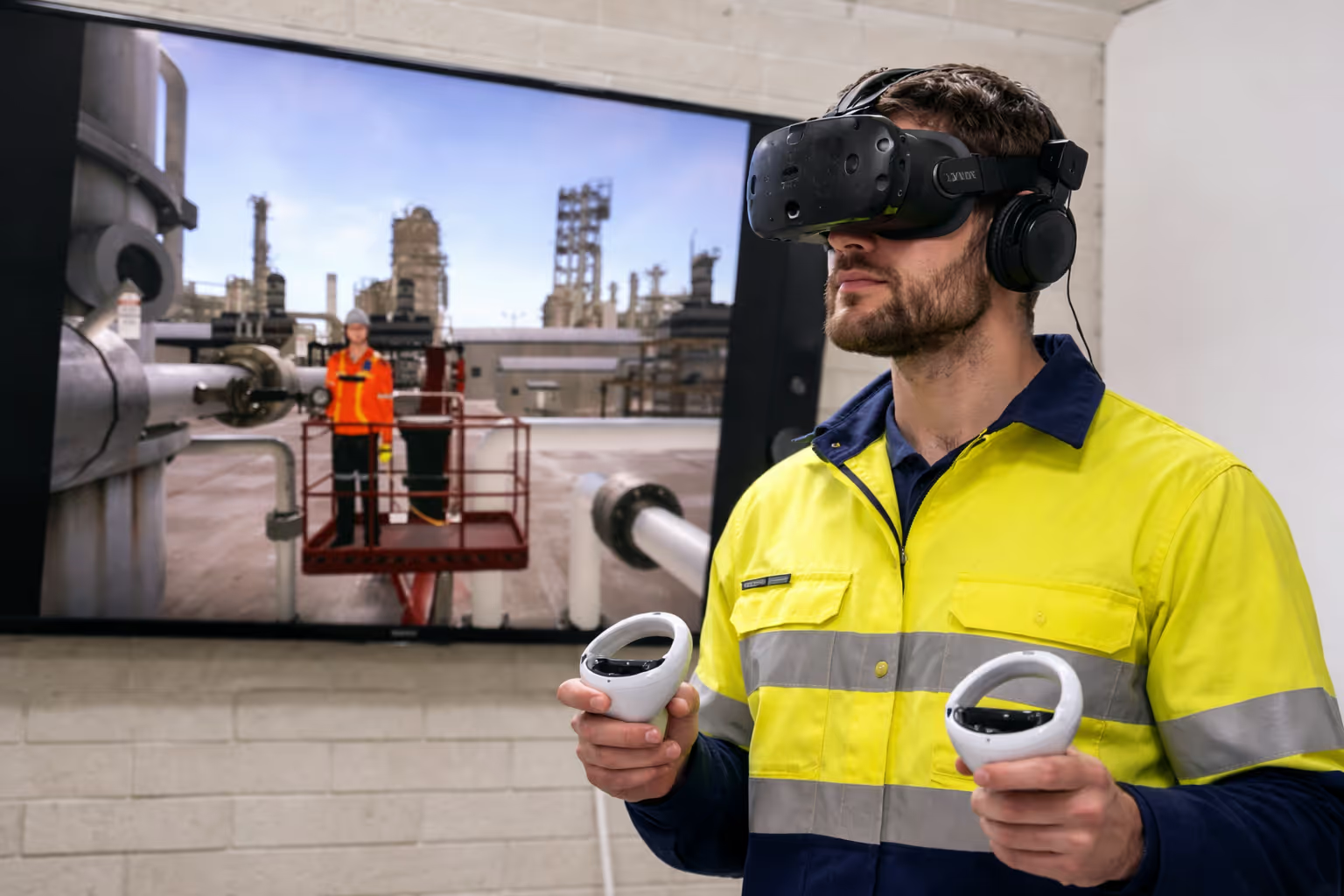
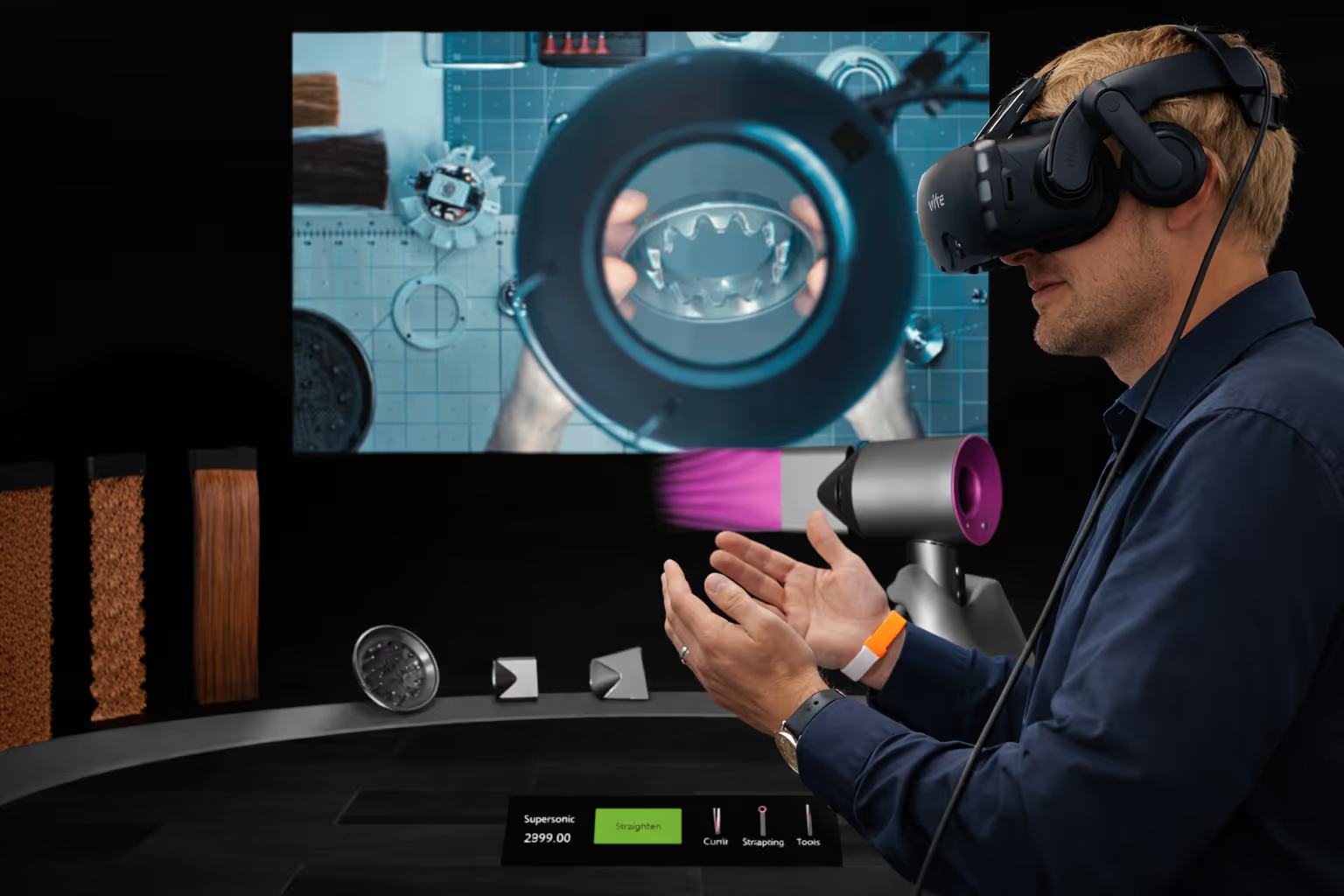
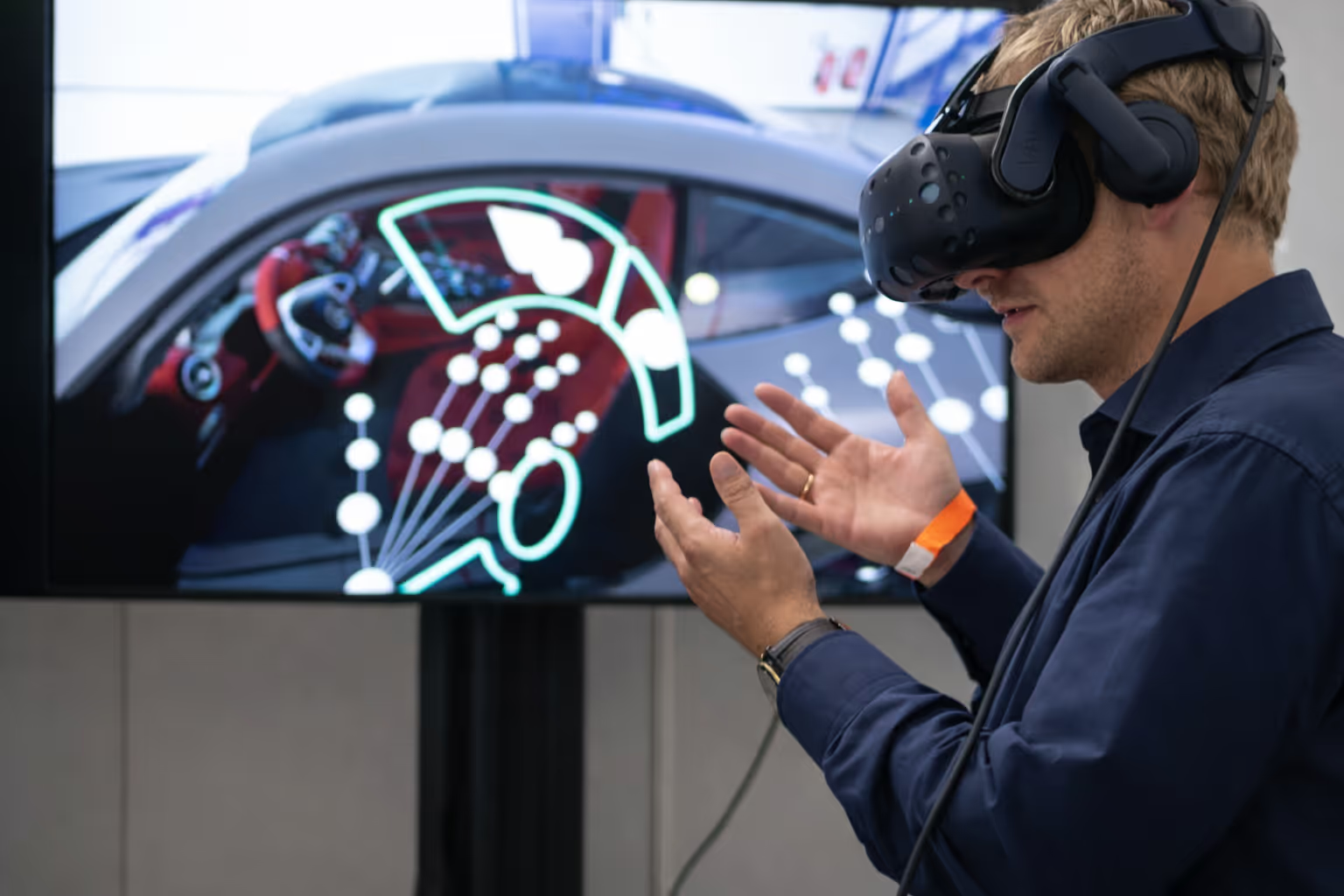
Virtual reality creates immersive digital environments where clients explore products using a VR headset like Meta Quest or HTC Vive. They walk around full-scale machinery. They interact with complex systems. They experience your solutions as if physically present.

What virtual reality does:
  • Simulates real-world spaces, products, or scenarios in 3D
  • Lets users walk around and engage with objects naturally
  • Creates virtual reality experiences clients remember
    Works for product visualisation, training, marketing, and sales

Key Features

3D Model
Full Immersion: Feel present inside a 3D digital environment.
3D Object
Interactive Controls: Touch, move, and explore objects naturally.
Hotspot
Realistic 3D Visualisation: View products, spaces, or scenarios in lifelike detail.
iPad Mini
Guided & Free Navigation: Choose between structured tours or open exploration.
Map Pin
Multilingual Voiceovers & Tooltips: Enhance clarity with audio and on-screen prompts.
Medical Mobile App
Cross-Device Support: Run on VR headsets, tablets, or mirrored displays.

Experience Virtual Reality

Mecversity Rohit
Mecversity Rohit
Mecversity Rohit
Mecversity Rohit

Virtual Reality Exhibition Booth Solutions

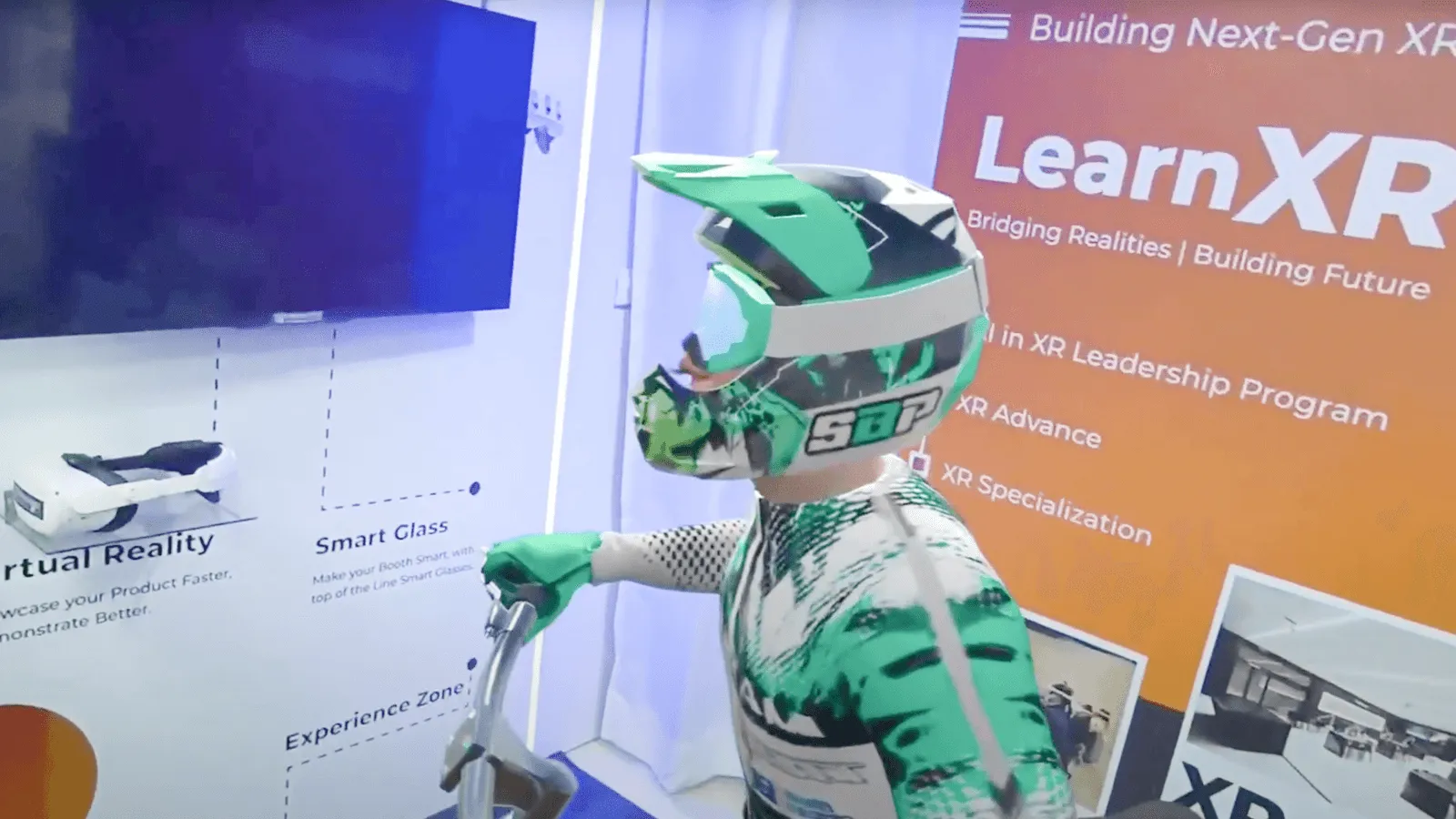
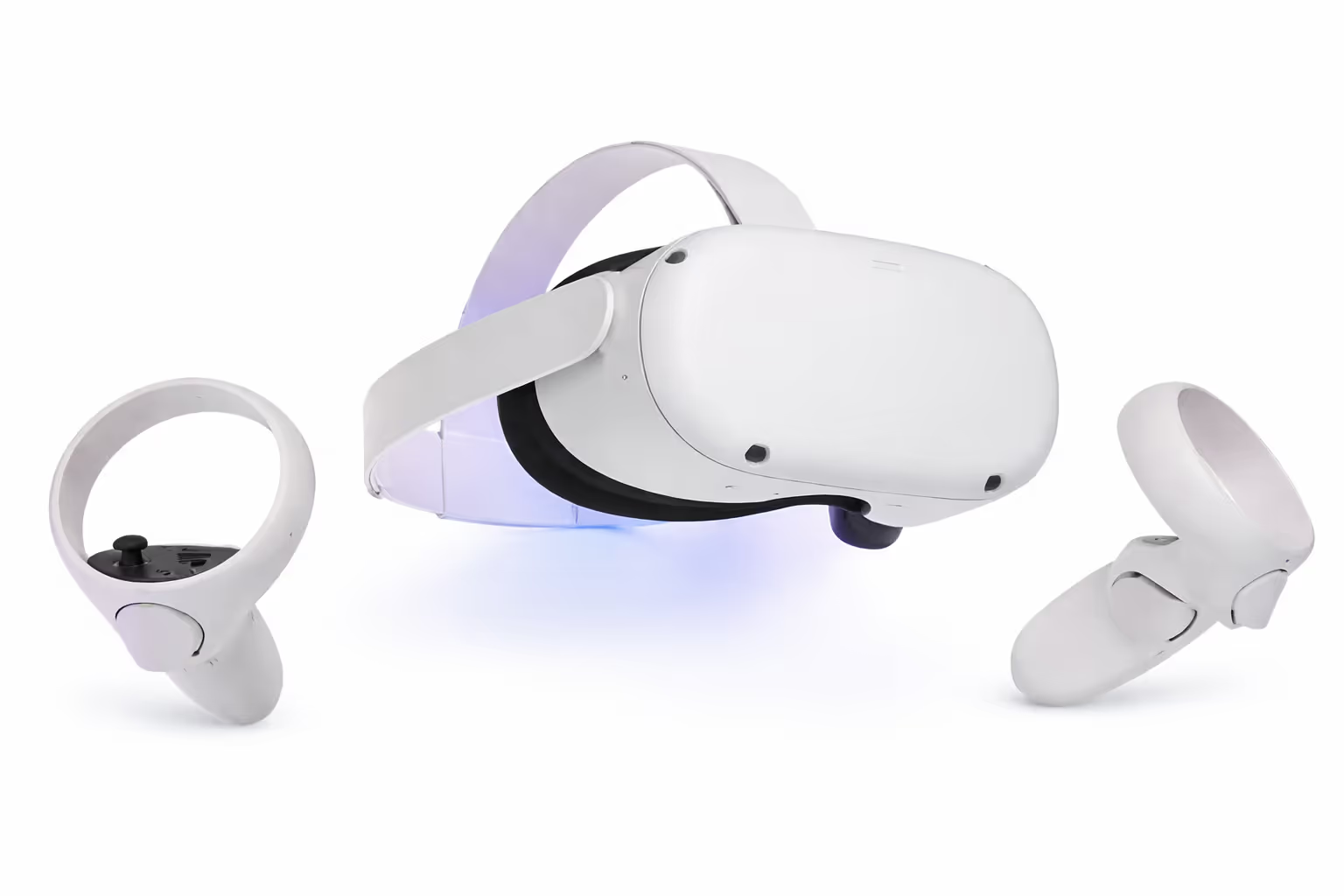
Transform Trade Shows with Immersive VR Experiences. Step into a digitally immersive booth where visitors explore your facility from anywhere. Using a VR headset like Oculus Quest 3 or touchscreen displays, attendees navigate your factory floor, cleanrooms, or warehouses without leaving the exhibition hall.
White virtual reality headset with two wireless controllers on a white background.

Oculus Quest 2/ 3

Oculus Quest for a Smooth 360° Virtual Reality Experience
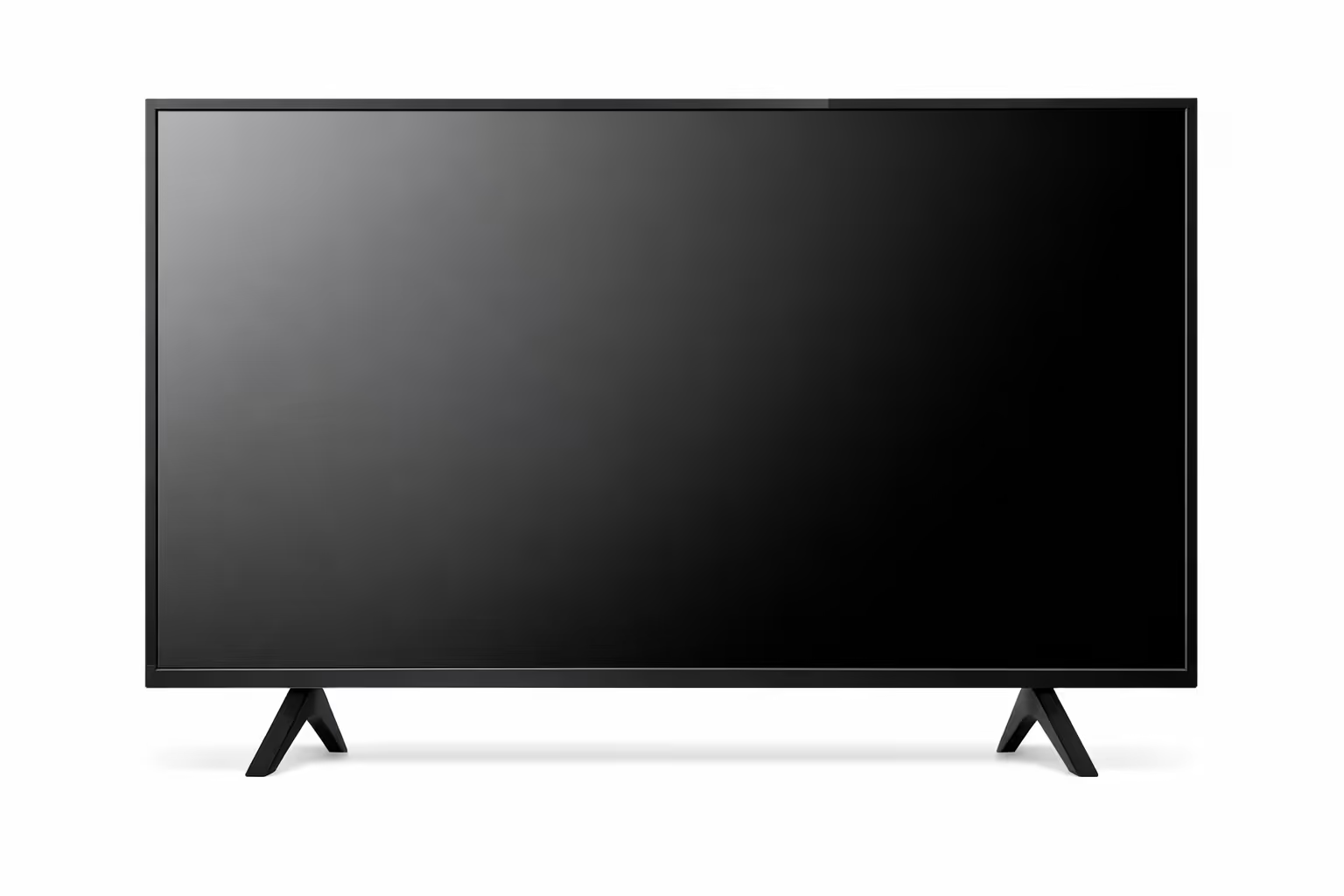
Modern flat-screen television with black screen and angled legs on a white background.

Smart TV

A Smart TV to cast the Virtual Reality headset, engaging nearby visitors
Woman sitting in a white chair wearing a VR headset and headphones, with a blue and red background behind her.

Basic Booth Fabrication

Mount the LED screen on a wall and place a rotating chair to create the Experience Kiosk

Virtual Reality Development Deliverables

Checkmark
Fully functional VR experience for VR headset plus tablet/LED mirroring
Checkmark
Custom 3D environment tailored to your brand and products
Checkmark
Interactive features: Zoom, rotate, explode view, tooltips, multilingual voiceovers
Checkmark
VR booth setup support: Layout guidance, display integration, fabrication design
Checkmark
Staff training on operating the virtual reality experience

VR Software Requirements

Checkmark
Product references: CAD files, photos, videos, dimensions, or drawings
Checkmark
Use case scenarios: Key messaging, product flow, feature highlights
Checkmark
Branding assets: Logos, colours, voiceover scripts, fonts, taglines
Checkmark
Booth layout details: Size specifications for VR technology zone optimisation

Why Choose Virtual Reality for Business Growth

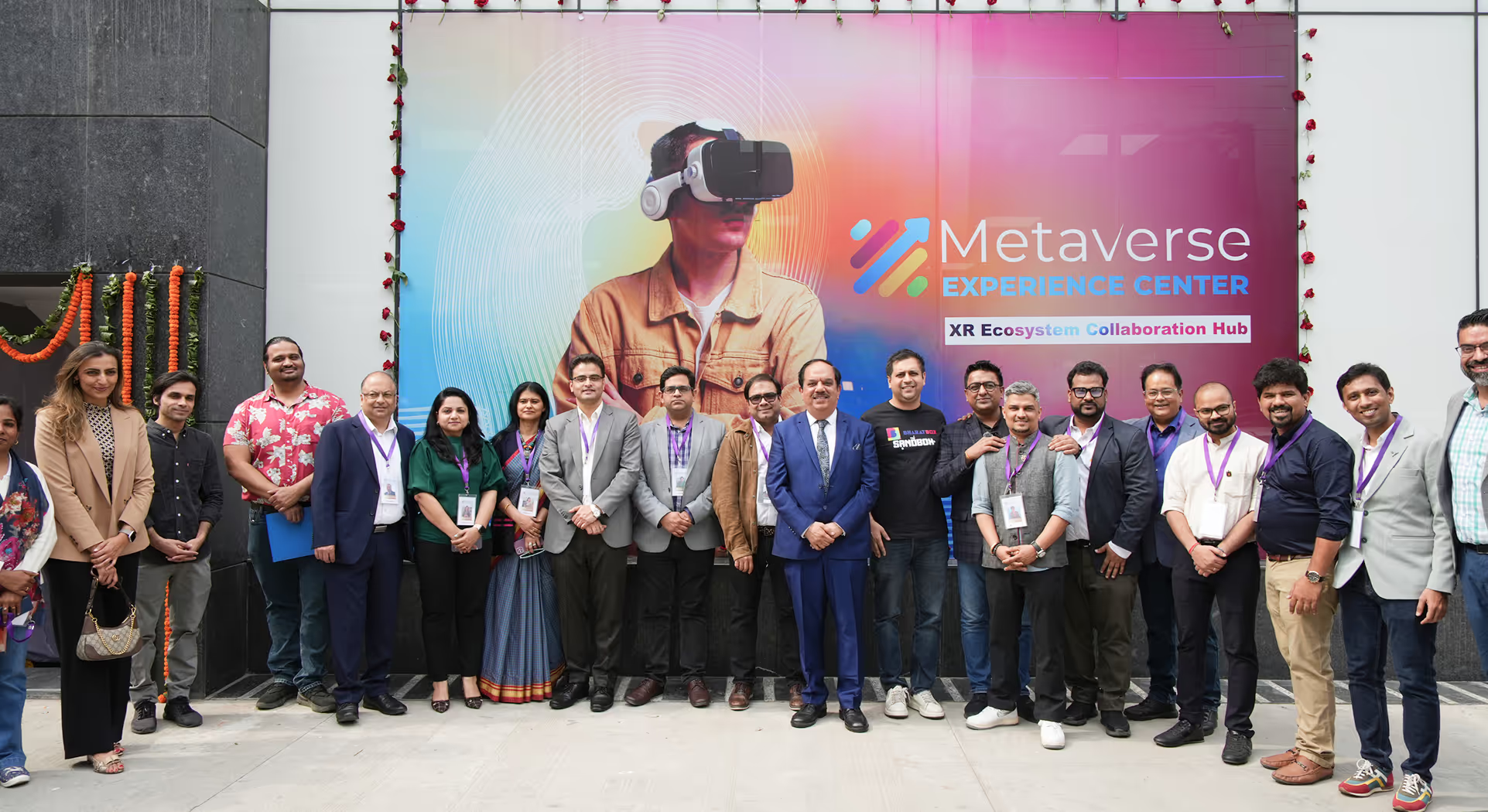
Explore it at Metaverse Experience Centre

Connect with us today!

Thanks for being a part of Metaverse911.
Oops! Something went wrong while submitting the form.